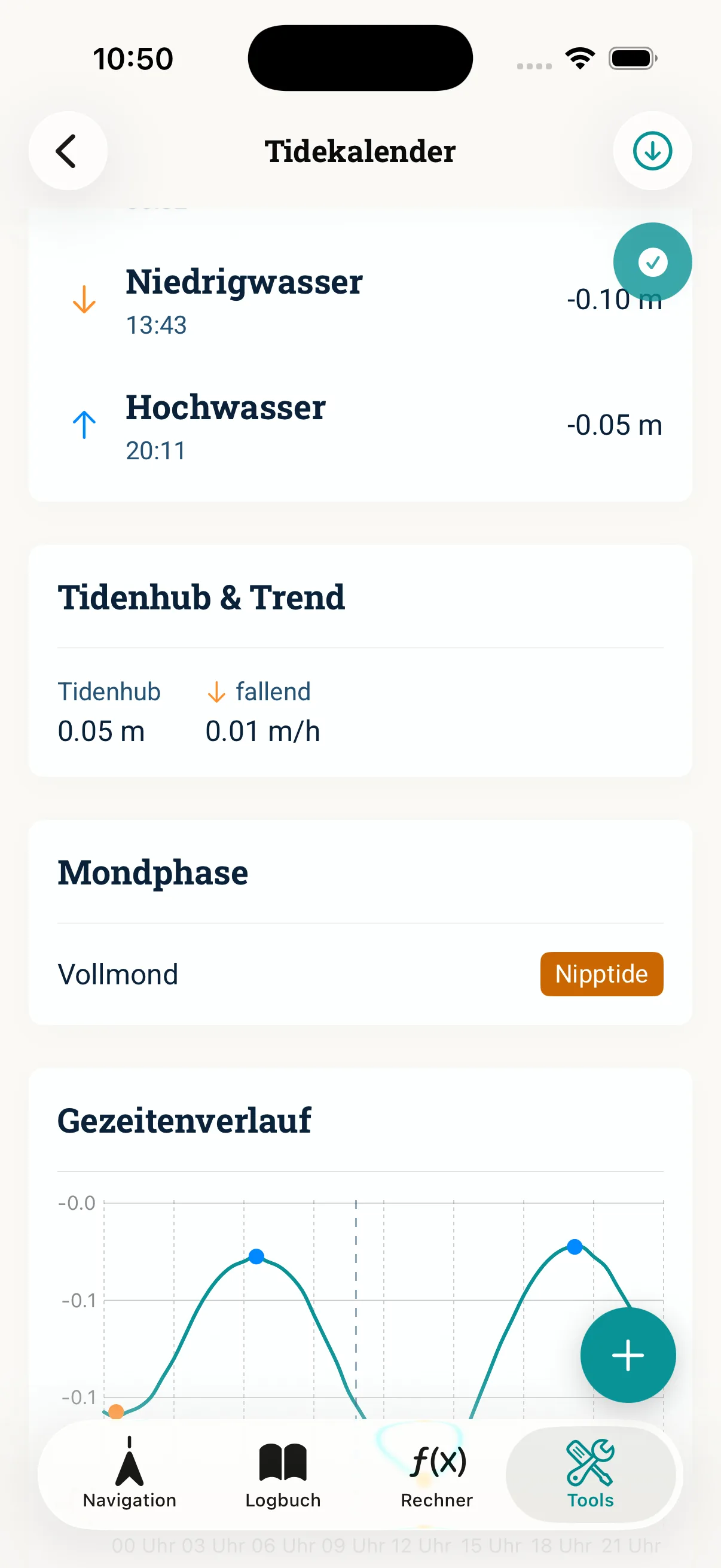
Wenn die Offline-Gezeiten dein Revier nicht abdecken, liefert WorldTides weltweite Live-Gezeiten — mit deinem eigenen API-Key (BYOK). Diese Anleitung zeigt, wie du den Key anlegst, sicher in NauticCalc hinterlegst und die Station gegenprüfst. Überblick zum Prinzip: Offline vs. Live-Gezeiten.
Voraussetzungen
- NauticCalc auf dem iPhone (iOS 17.6+)
- Revier, das die Offline-Gezeiten nicht abdecken (z. B. viele Nordsee-/Mittelmeer-Häfen)
- Bereitschaft, beim Anbieter ein Konto anzulegen — die Kosten/Kontingente liegen bei WorldTides, NauticCalc verkauft kein Gezeiten-Abo
Schritt 1: Konto bei WorldTides
- Auf der Website von WorldTides registrieren
- Im Dashboard einen API-Key erzeugen
- Kontingent und Kosten beim Anbieter prüfen, damit unterwegs keine Überraschung kommt
Schritt 2: Key sicher notieren
Kopiere den Key und bewahre ihn sicher auf — nicht in Chats, Screenshots oder öffentlichen Repos teilen. Geht er verloren, erzeugst du beim Anbieter einfach einen neuen und trägst ihn erneut ein.
Schritt 3: In NauticCalc eintragen
- App öffnen → Einstellungen (Gezeiten / API)
- WorldTides API-Key einfügen
- Speichern — der Key liegt im iOS-Schlüsselbund, nicht auf NauticCalc-Servern
Schritt 4: Station testen
- Hafen oder Revier in der Gezeiten-Funktion wählen
- HW/NW und Zeitfenster mit amtlicher Tafel oder Hafeninfo vergleichen
- Bei Abweichung: Station oder Zeitzone prüfen — die nächstgelegene Station ist nicht immer die passendste
Typische Fehler
- Erst auf See gemerkt, dass das Revier keine Offline-Station hat — Key am Liegeplatz einrichten
- Zeitzone der Station übersehen und HW/NW falsch eingeordnet
- Kontingent des Anbieters aufgebraucht, ohne es zu merken
- Key in einer Nachricht geteilt — dann besser neu erzeugen
Ohne Key laufen Kernrechner, Logbuch und Offline-Gezeiten (wo Stationen existieren) unverändert weiter — es gibt keinen Zwang zum Key.
Weiterlesen: Gezeiten lesen · Tidenrechner