Prerequisites
- NauticCalc on the iPhone (iOS 17.6+)
- The crew and the usual cost items of the trip
- No account needed — everything stays local on the device
Step 1: Add the crew
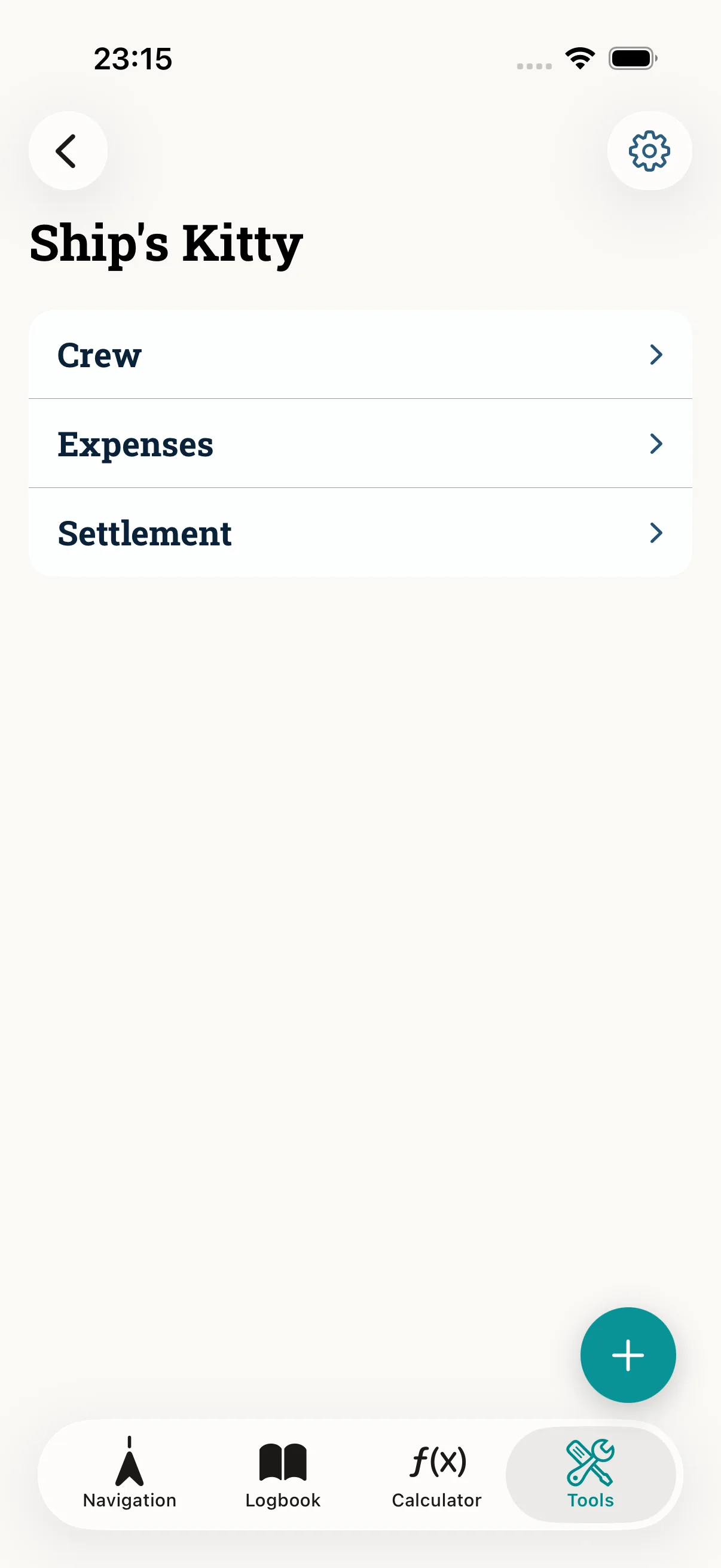
Open Ship's Kitty and add the crew. Set each person's share of the shared costs.
Step 2: Record expenses
Record expenses by category — diesel, harbour, provisions, repairs. Who paid is kept on record.
Step 3: Split
Split equally or assign individual expenses to specific people. The app keeps an automatic balance: who is owed, who owes.
Step 4: Settle and export
At the end of the trip, export the settlement with a suggested payoff and share it — AirDrop, Files or mail. You decide what leaves the device.
Common mistakes
- Uneven shares that were never set — define each person's share up front
- An expense assigned to the wrong person — check before exporting
- Treating it as bookkeeping — it is a support tool for fair splitting, not formal accounting
Read next: Ship's Kitty (feature) · Export the logbook