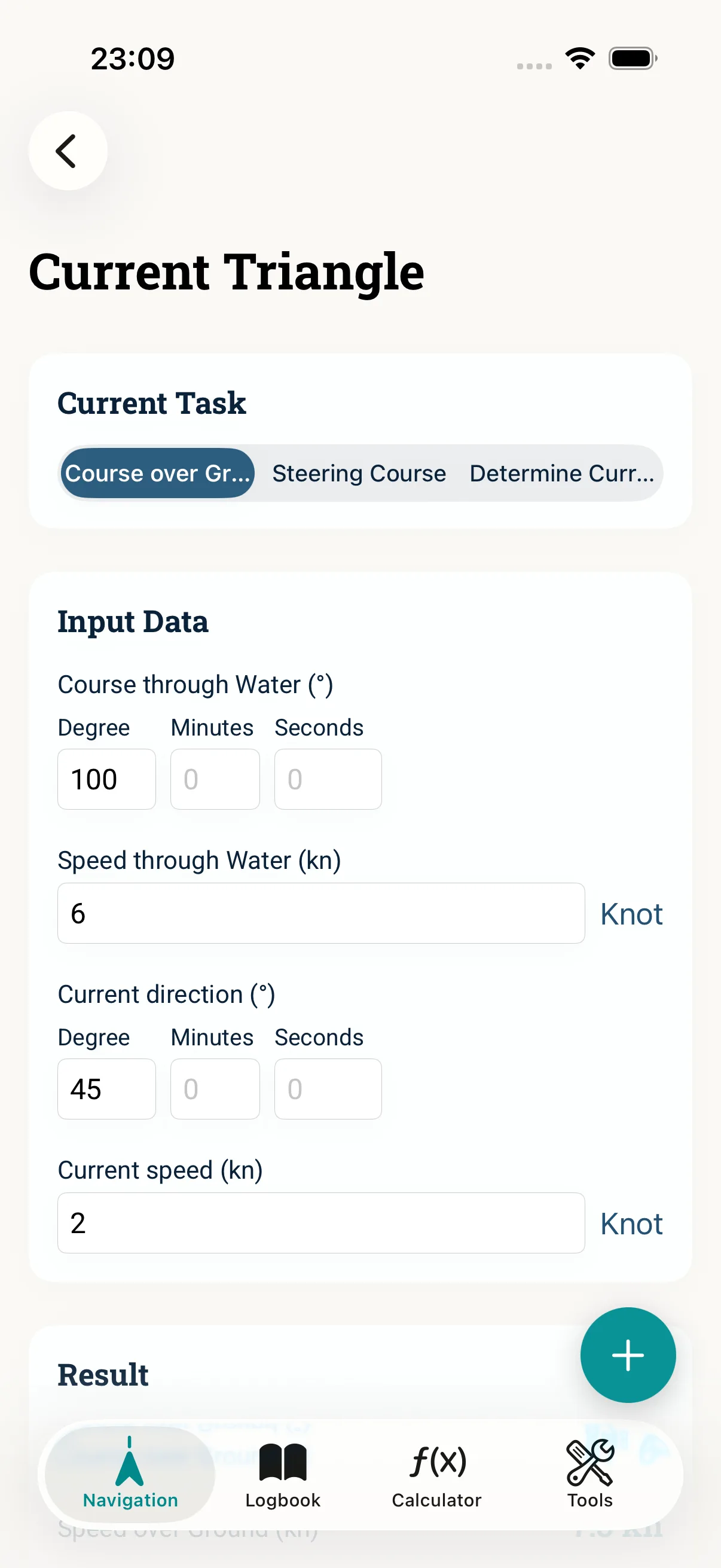
The current triangle joins three vectors: your course and speed through the water, the current (set and drift) and the resulting track over ground (COG/SOG). This guide shows how to either work the current out of course and speed in NauticCalc, or conversely find the steering course you need.
Prerequisites
- Known steering course and speed through water — or target COG with current
- Current data from a stream atlas, tidal stream or experience
- Consistent units (kn)
Step 1: What is given?
Clarify the task first. Typical: you know the MgK/steering course and speed (kn) and want to know the COG with current. Or you plan a COG and are looking for the steering course needed for it. The current triangle works both directions.
Step 2: Current triangle in NauticCalc
Open current correction. Enter set (the direction the current flows towards) and drift (its speed). Watch whether your source states the direction "from" or "to" — that decides the sign.
Step 3: Check the vector
Sanity-check the result roughly: current abeam offsets you the most, current from ahead/astern mainly changes the speed over ground. Recompute before and after a change of current (tide), otherwise your triangle no longer holds.
Step 4: Carry into the course chain
For the full flow, carry the result into course correction (rwK, mwK, MgK, wind, current). That is how the current triangle becomes a steerable course.
Common mistakes
- Confusing set "from" and "to" — the vector points the wrong way
- Computing across a tidal change with the same current
- Mixing up speed through water and speed over ground
- Inconsistent units (kn vs. km/h)
Read next: Blog: current triangle · Course correction